
How to set your Prebid timeout from your own data, not a blog post's range
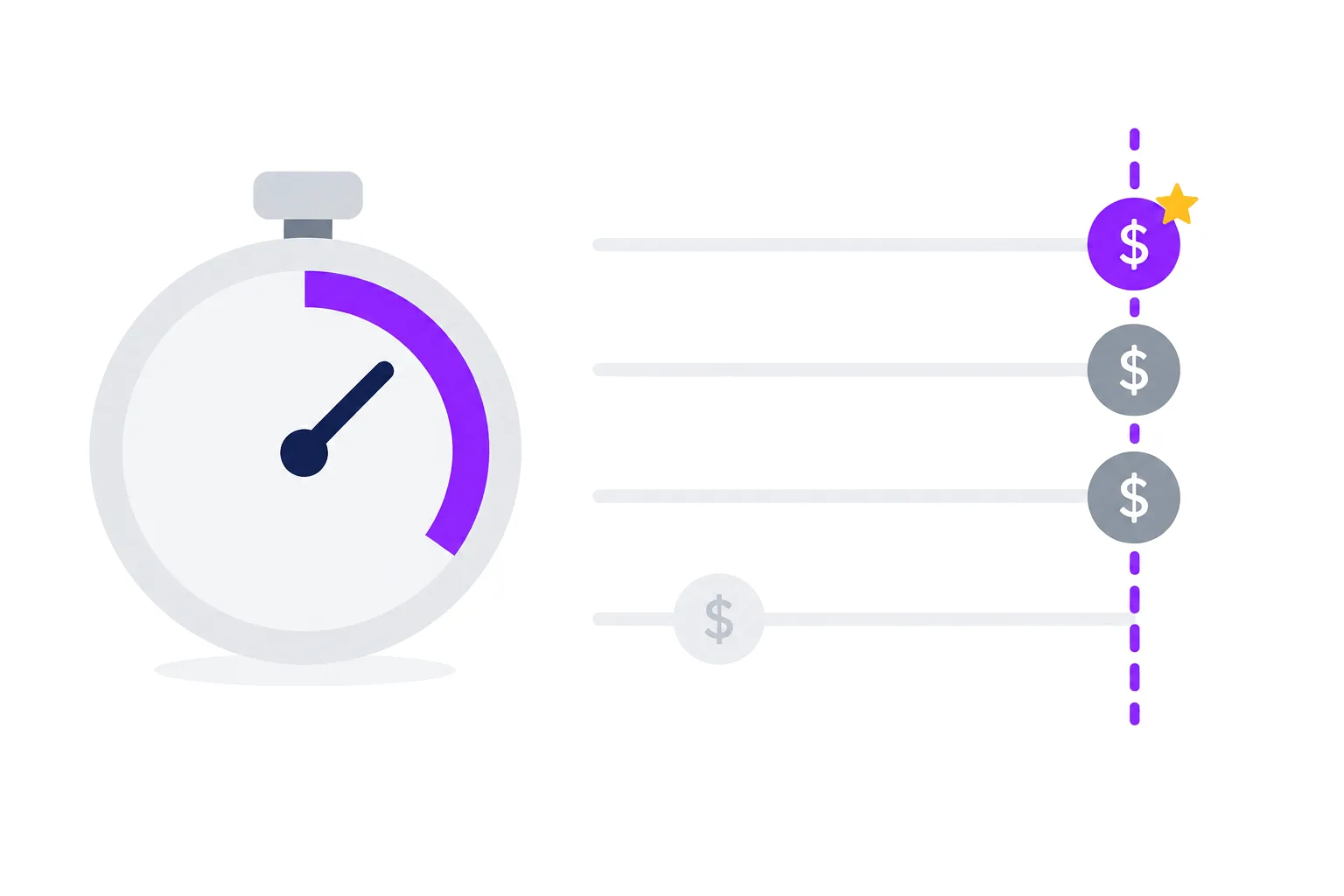
Every guide to Prebid timeouts ends with a range. 400 to 2000 ms. 1000 to 2000 ms. 500 to 600 ms for breaking news. None of them know your pages, your audience's devices or your bidder mix, so the range is a starting point at best.
Prebid already emits everything you need to pick the number yourself. Below: what the timeout controls, the defaults you are probably running, and a way to measure bidder latency on your own traffic.
What the timeout actually controls
bidderTimeout is how long Prebid waits for bids before it hands whatever it has to the ad server. Bids that arrive
later are recorded as timed out and do not compete. They still cost you something: the bidder did the work, and bidders
watch their timeout rate when they decide how hard to bid on your inventory.
Set it too short and you drop real bids, usually from the slower but well-paying partners. Set it too long and every ad on the page waits for the slowest bidder, which delays the first impression and can push ads below the point where the user has already scrolled past.
Three defaults matter:
- Prebid.js ships with a default
bidderTimeoutof 3000 ms (DEFAULT_BIDDER_TIMEOUTinsrc/config.ts). If you never set it, that is what you are running. - The Prebid FAQ recommends an auction timeout of 1000 ms or less, and a failsafe timeout (the one that fires the ad server call even if Prebid never finishes) of 3000 ms or less.
- Prebid Server gets its timeout from the client. By default it uses 75% of the Prebid.js timeout, and the timeouts documentation recommends 50 to 75%. The remainder covers the round trip between the browser and your server.
Why "bidder latency" is not one number
On real pages, latency depends on much more than the bidder:
- Device and connection. A mid-range Android phone on mobile data is a different world from a desktop on office Wi-Fi. The same bidder can be several times slower on one than on the other.
- Country. A bidder whose nearest data center is far from your readers is slow for reasons you can't fix with configuration.
- First auction versus later ones. The first auction on a page competes with your own page load, the CMP and every other script. Refresh and lazy-load auctions run on a quieter page.
- Client-side versus server-side. A bidder called through Prebid Server adds your server's round trip but removes the browser's connection setup for that bidder.
So a single global timeout is a compromise. Prebid lets you set a different timeout per auction, which is how you get out of it: a longer timeout for the first auction, where you are waiting for the page anyway, and a shorter one for refresh, where every extra millisecond is time the slot sits on an old ad.
Measure it on your own pages
Prebid fires bidResponse for every bid with a timeToRespond field in milliseconds, and bidTimeout for bidders
that missed the deadline. Log both, with enough context to slice them.
const auctions = {};

pbjs.onEvent("auctionInit", (auction) => {
  auctions[auction.auctionId] = { start: auction.timestamp, timeout: auction.timeout };
});

pbjs.onEvent("bidResponse", (bid) => {
  send({
    type: "bid",
    bidder: bid.bidderCode,
    adUnit: bid.adUnitCode,
    ms: bid.timeToRespond,
    cpm: bid.cpm,
    timeout: auctions[bid.auctionId]?.timeout,
  });
});

pbjs.onEvent("bidTimeout", (timedOut) => {
  for (const bid of timedOut) {
    send({ type: "timeout", bidder: bid.bidder, adUnit: bid.adUnitCode });
  }
});

function send(event) {
  navigator.sendBeacon(
    "/your-analytics-endpoint",
    JSON.stringify({ ...event, mobile: matchMedia("(pointer: coarse)").matches, page: location.pathname }),
  );
}
Two notes on the snippet. Sample it: a few percent of page views is plenty and keeps the beacon traffic down. And keep
the body a plain string, as above. sendBeacon then sends it as text/plain, which the browser treats as a simple
request with no CORS preflight. Send the same data with fetch and a JSON content type, and every beacon to another
domain costs an extra OPTIONS request first. When we moved our own analytics beacons to text/plain, the request rate
on that endpoint fell from about 2,250 to about 1,800 per second for the same traffic.
Turn the data into a timeout
With a week of data, build a table per bidder with the median, 90th and 95th percentile response time, split by device type and by first auction versus refresh. Then ask two questions.
How much revenue arrives late? For each candidate timeout, count the bids that would have missed it and sum their CPMs. You get a curve: revenue captured as a function of timeout. It rises fast and then flattens. The flat part is where extra waiting buys you almost nothing.
Who is always slow? A bidder whose 90th percentile sits above any reasonable timeout, on every device, is not a timeout problem. Either move it server-side, where connection setup is cheaper, or accept that it only wins on refresh and lazy-loaded slots, or remove it. A bidder that times out most of the time still costs page weight and network requests on every auction.
Pick the timeout at the start of the flat part of the curve, separately for each auction type.
Set Prebid Server's share deliberately
If you run bidders through Prebid Server, the server has less time than the client, because it spends part of the budget on the trip there and back. The default 75% assumes a fast path to your server. If your Prebid Server is far from your readers, lower the share, or you will see server-side bidders timing out at the server while the client is still waiting.
To see how much of the budget the network takes, compare the timeToRespond Prebid.js records for server-side bids
with the per-bidder times Prebid Server reports in ext.responsetimemillis of its response. The gap is the round
trip plus server overhead.
Re-check after anything changes
Timeouts go stale. Re-run the analysis after adding or removing a bidder, moving bidders between client and server, a Prebid major upgrade, a CMP change or a page redesign. Each of those moves the latency distribution, and a timeout that was right last quarter can be silently dropping bids today.
Want a second pair of eyes on your setup? Talk to the Valuad AdOps team.