
ads.txt and sellers.json mistakes that quietly cost publishers revenue
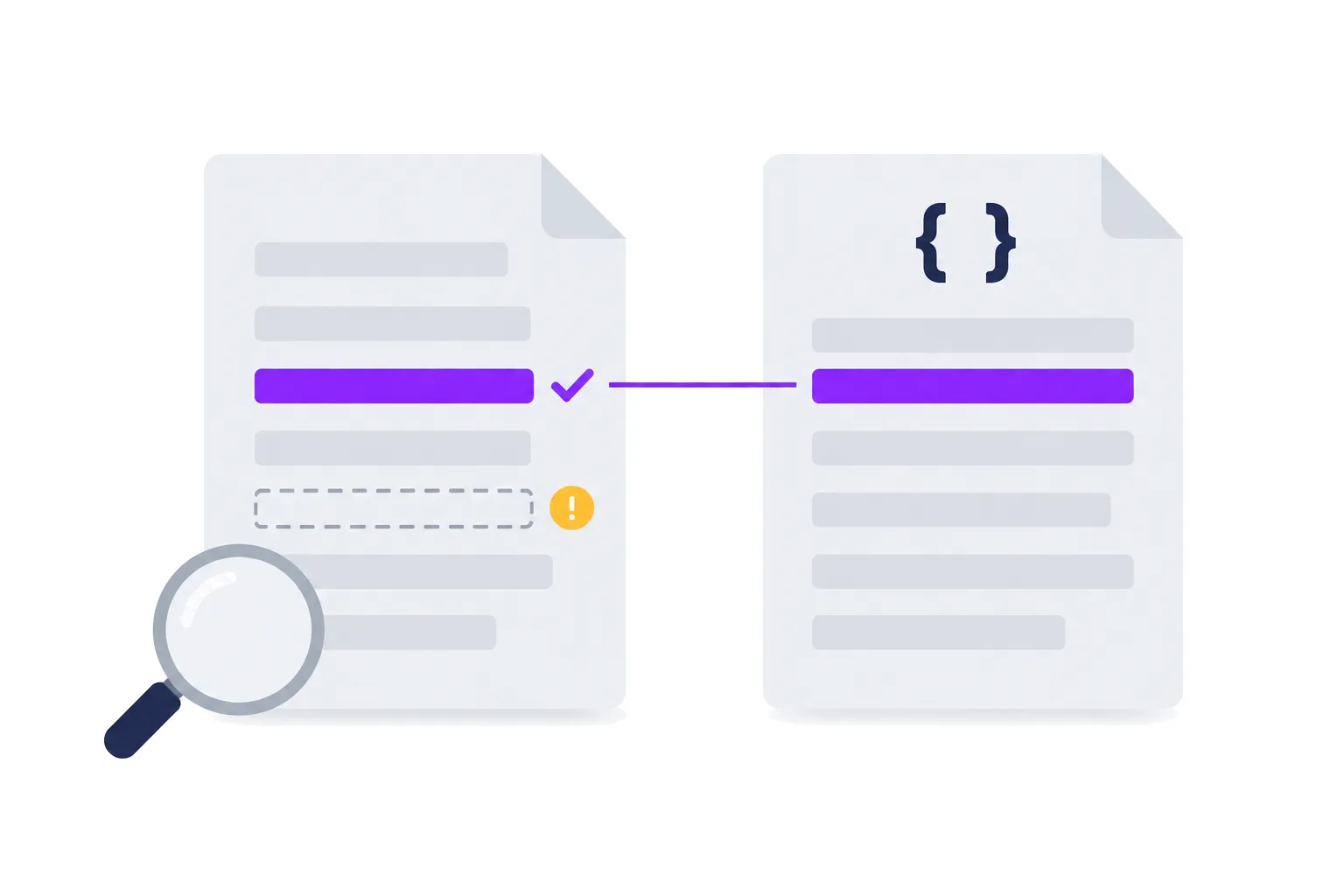
ads.txt is a plain text file with one job: to list who is allowed to sell your inventory. When a line is missing or wrong, nothing breaks on your site. Ads still show. What happens instead is that some buyers stop bidding through that path, and the only symptom is a demand partner whose revenue slowly shrinks.
That is why ads.txt errors are so expensive: they don't announce themselves. Below are the problems that come up most when we check publishers' files, and how to check your own.
How buyers use the two files
A buyer's DSP sees a bid request that says "this is example.com, sold by exchange X under account 12345". It checks two things:
- Your ads.txt at
example.com/ads.txt: is there a line for exchange X with account 12345? - Exchange X's sellers.json: who is account 12345? Is it the publisher itself (
PUBLISHER), a reseller (INTERMEDIARY), or both? What is its business domain?
If the ads.txt line is missing, most buyers treat the request as unauthorized and skip it. If the line exists but the sellers.json entry disagrees with it, the path looks suspicious and gets lower priority in supply path optimization, where buyers cut the number of routes they buy through.
Version 1.1 of the spec, published by the IAB Tech Lab in 2022, added two
variables to connect the files more tightly: OWNERDOMAIN (the business domain of the company that owns the site) and
MANAGERDOMAIN (the domain of a company that manages monetization for it).
Common mistakes
A partner's lines are missing, or out of date
Every SSP you work with, directly or through a partner like Valuad, gives you lines to add. Those lines change. An exchange changes its seller ID format, a partner adds a new SSP, a reseller path gets replaced. If the ads.txt on your site isn't updated, the new path runs unauthorized.
It is almost never a deliberate choice. Someone updated the file on the main domain and forgot the second site, or the file lives in a CMS field that one person has access to.
The relationship is wrong
Each line ends in DIRECT or RESELLER. DIRECT means the account belongs to you, the publisher. RESELLER means
the account belongs to someone else who sells on your behalf. If you paste a partner's line and change RESELLER to
DIRECT because it "looks better", buyers who check sellers.json will see an INTERMEDIARY account claimed as direct.
That is a mismatch, and it counts against the path.
Typos count too. Direct, DIRECT. and DRECT are all common. Our generator uppercases the relationship field and
flags anything that is not exactly DIRECT or RESELLER.
The file doesn't load where crawlers look
Crawlers fetch /ads.txt at the root of the domain. Things that go wrong:
- The file sits behind a redirect to another domain. The spec allows redirects only within the same root domain.
A redirect from
example.com/ads.txttocdn.otherhost.com/ads.txtis not followed. - The server returns HTML. A CMS that serves a styled 404 page with status 200, or wraps the file in a template,
produces something crawlers can't parse. Check that the response is
text/plainand contains only the file. - A bot protection layer blocks crawlers. A challenge page or a rate limit on unknown user agents can hide the file from exactly the systems that need to read it.
- Subdomain files are ignored. Crawlers start from the root domain, and its file covers subdomains too. If
sport.example.comneeds a different list, it can have its own file, but crawlers only read it when the root file points to it with asubdomain=sport.example.comline.
OWNERDOMAIN doesn't match sellers.json
OWNERDOMAIN should be your company's business domain, and it should match the domain field in the sellers.json
entries where your account is listed as PUBLISHER. For a media group with several sites, that is usually the group's
corporate domain, not each site's domain. Setting it to each site's own domain, or leaving it out when your partners'
sellers.json lists you with a domain, creates exactly the kind of mismatch the variable was added to remove.
Duplicate and conflicting lines
Files that grow by copy and paste end up with the same line three times, or the same account listed once as DIRECT
and once as RESELLER. Duplicates are harmless on their own, but conflicts are not, and a 600-line file with no
structure is where they hide. Keep each partner's block together and marked with comments, and deduplicate when you
edit.
Exclusivity conflicts
Some demand deals are exclusive. If you have an exclusive agreement with one content recommendation network, lines for its competitor shouldn't be in your file, and a partner that pushes a generic block of lines to all its publishers can break that. When we generate ads.txt blocks, those exclusions are part of the per-publisher configuration rather than something a person remembers to delete.
How to check your own setup
A quick manual pass:
- Open
https://yourdomain.com/ads.txtin a private browser window. Check it loads without a redirect to another domain and shows plain text. - Run
curl -sI https://yourdomain.com/ads.txtand check the status code andcontent-type. - For each demand partner, ask for their current lines and compare them with yours, line by line. Sort both lists before comparing.
- Pick your top three SSPs, find their sellers.json (usually at
ssp-domain.com/sellers.json) and look up your account IDs. Check theseller_typeanddomainmatch what your ads.txt says. - Repeat for every domain you monetize, and for any subdomain with its own file.
The manual pass works once. The problem is the drift that follows. For the publishers we work with, Valuad checks every domain's ads.txt every four hours, shows each domain as implemented, with issues or missing, lists the exact missing lines ready to copy, and sends a weekly summary by email. Our sellers.json is rebuilt from our publisher records and deployed automatically, so the two sides of the check stay consistent.
If you want us to run that check on your domains, get in touch.
Want a second pair of eyes on your setup? Talk to the Valuad AdOps team.